AZW3 vs EPUB vs MOBI: Complete Ebook Format Comparison
Compare AZW3, EPUB, and MOBI ebook formats in detail. Covers feature differences, device compatibility, DRM, typography, and which format to choose for reading, publishing, and archiving.
Sarah Chen·February 19, 2026·10 min read
Why Ebook Format Choice Matters
Choosing the right ebook format affects everything: which devices can open your files, how text renders on different screens, whether you can change fonts and margins, and whether your carefully curated library will still be readable a decade from now. The three most important ebook formats -- AZW3, EPUB, and MOBI -- each solve different problems and come with distinct trade-offs.
If you have ever tried to sideload a book onto a Kindle and been greeted by a formatting disaster, or attempted to open an AZW3 file on a Kobo only to find it completely unsupported, you already know that ebook formats are not interchangeable. The differences go far deeper than file extensions.
This guide compares AZW3, EPUB, and MOBI across every dimension that matters: technical capabilities, device support, typography and layout features, DRM, file size, and future-proofing. By the end, you will know exactly which format to use for any situation.
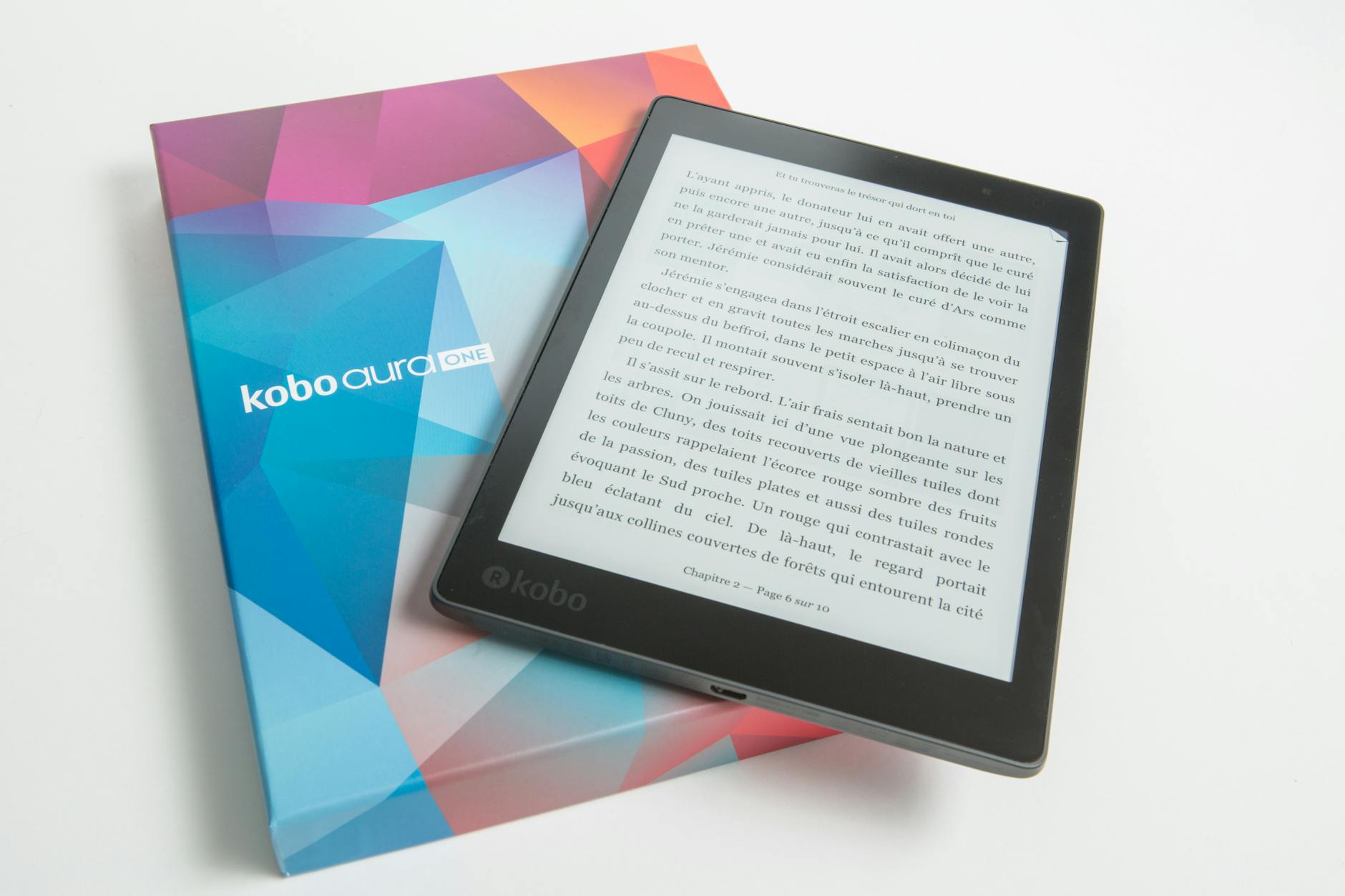
Side-by-side comparison of AZW3, EPUB, and MOBI ebook formats on different reading devices
Understanding where each format came from explains why they behave the way they do.
EPUB: The Open Standard
EPUB (Electronic Publication) is maintained by the W3C and is the closest thing to a universal ebook format. Under the hood, an EPUB file is a ZIP archive containing XHTML content, CSS stylesheets, images, and metadata. It is essentially a packaged website designed for sequential reading.
EPUB 2 (2007) established the basic framework. EPUB 3 (2011, with ongoing updates) added HTML5, CSS3, JavaScript, audio/video embedding, MathML, and fixed-layout support. EPUB 3 is the current standard and what modern e-readers and reading apps support.
MOBI: The Kindle Pioneer
MOBI originated from the Mobipocket format, which predates the Kindle. When Amazon launched the first Kindle in 2007, it adopted MOBI as its primary format. MOBI is based on the Open eBook standard (a precursor to EPUB) and uses PalmDOC or Huffdic compression.
MOBI's technical limitations are significant by modern standards: no support for embedded custom fonts, limited CSS, no HTML5 or CSS3 features, and poor handling of complex layouts. It was designed for the constraints of early e-ink hardware.
AZW3 (KF8): Amazon's Modern Format
AZW3, also known as Kindle Format 8 (KF8), was introduced by Amazon in 2011 alongside the Kindle Fire. It is Amazon's proprietary response to the limitations of MOBI, built on an HTML5 and CSS3 subset. AZW3 supports embedded fonts, SVG graphics, drop caps, and significantly richer typography than MOBI.
Despite being proprietary, AZW3 is technically more capable than MOBI and approaches EPUB 3 in feature parity. The key difference is ecosystem lock-in: AZW3 works only on Kindle devices and apps.
Feature-by-Feature Comparison
Feature
EPUB 3
AZW3 (KF8)
MOBI
Reflowable text
Yes
Yes
Yes
Fixed layout
Yes
Yes
No
Embedded fonts
Yes
Yes
No
CSS3 support
Extensive
Subset
Minimal
SVG graphics
Yes
Yes
No
Audio/video
Yes
Limited
No
JavaScript
Yes (EPUB 3)
No
No
MathML
Yes
No
No
Drop caps
Yes
Yes
No
Text-to-speech
SSML support
Kindle TTS
Kindle TTS
Accessibility
Excellent (ARIA, semantic HTML)
Basic
Minimal
Open standard
Yes (W3C)
No (Amazon proprietary)
No (Amazon proprietary)
EPUB 3 leads in raw feature count, particularly for accessibility, multimedia, and interactivity. AZW3 covers the features most readers actually need -- embedded fonts, good typography, and reflowable layout. MOBI is the baseline, adequate for plain text but limited for anything requiring visual sophistication.
Pro Tip: If you are self-publishing, author your book in EPUB 3 and convert to other formats as needed. EPUB's open standard and rich feature set make it the best source format. Use the ebook converter to transform between formats without losing critical formatting.
Device and Platform Compatibility
Device / Platform
EPUB
AZW3
MOBI
Kindle e-readers (2012+)
Yes (since 2022)
Yes
Yes
Kindle e-readers (pre-2012)
No
No
Yes
Kindle apps (iOS, Android)
Yes (via Send to Kindle)
Yes
Yes
Kobo e-readers
Yes
No
No
Apple Books
Yes
No
No
Google Play Books
Yes
No
No
Calibre
Yes
Yes
Yes
Adobe Digital Editions
Yes
No
No
Nook
Yes
No
No
Generic e-readers
Yes (most)
No
Some
EPUB is the universal format: it works on nearly every reading platform except the Kindle ecosystem (though Amazon has added EPUB support since 2022). AZW3 and MOBI are Kindle-only. If you want maximum portability, EPUB is the clear winner.
Ebook format compatibility across popular reading devices and apps
Typography and Reading Experience
The reading experience differs substantially across formats, especially on e-ink devices where typography matters more than on backlit screens.
Font Handling
EPUB 3 supports embedded fonts via the @font-face CSS rule. Publishers can include specific typefaces that render consistently across devices. Readers can also override fonts with their preferred typeface on most reading apps.
AZW3 also supports embedded fonts, though Kindle devices may substitute Amazon's proprietary Bookerly font depending on user settings. The font embedding works well for display text, headings, and special characters.
MOBI does not support embedded fonts at all. Text renders in whatever default font the Kindle device provides. This means publishers have no control over typography in MOBI files.
Layout and Formatting
For text-heavy books like novels, all three formats produce acceptable results. The differences become apparent with complex content:
Cookbooks and technical books with multi-column layouts, sidebars, and precise image placement work well in EPUB 3 (fixed layout) and AZW3, but break down in MOBI.
Poetry and verse requiring precise line breaks and indentation render correctly in EPUB 3 and AZW3, but MOBI's limited CSS often collapses careful spacing.
Academic texts with footnotes, endnotes, and cross-references are best served by EPUB 3, which supports the epub:type semantic attribute for proper note handling.
Pro Tip: If your ebook contains code samples, mathematical notation, or complex tables, test the conversion output on actual devices before distributing. What looks fine in a desktop preview can break on e-ink hardware. Our document converter preserves formatting during conversion, but always verify the result on your target device.
DRM and Copy Protection
Digital Rights Management varies by format and platform:
EPUB supports multiple DRM schemes: Adobe DRM (used by most non-Amazon retailers), Apple FairPlay (Apple Books), and Readium LCP (the newer, more user-friendly standard). DRM-free EPUB is also common, especially from independent publishers and retailers like Smashwords, Leanpub, and many library systems.
AZW3 uses Amazon's proprietary DRM, which ties books to your Amazon account. Books purchased from the Kindle Store are DRM-protected by default, though some publishers opt out. Amazon's DRM prevents reading on non-Kindle devices or apps.
MOBI can carry Amazon DRM (as AZW files, which are essentially DRM-wrapped MOBI). DRM-free MOBI files are less common since the format has been largely superseded by AZW3 for Kindle Store distribution.
For archival purposes, DRM-free EPUB is the safest choice. It is an open standard with no dependency on any single company's ecosystem.
File Size Comparison
File size matters for storage on e-readers with limited capacity and for download speeds on mobile connections.
For a typical 80,000-word novel with a cover image and no interior illustrations:
Format
Typical File Size
Compression
EPUB
300-500 KB
ZIP (deflate)
AZW3
400-700 KB
Kindle compression
MOBI
500 KB - 1 MB
PalmDOC or Huffdic
EPUB tends to produce the smallest files because ZIP compression is efficient for HTML and CSS content. AZW3 files are slightly larger due to Amazon's container overhead. MOBI files, especially those produced by Calibre with the default dual-format option (which includes both MOBI and KF8 data), can be noticeably larger.
For image-heavy books, the differences narrow because image data dominates file size regardless of container format.
Converting Between Formats
Converting between AZW3, EPUB, and MOBI is straightforward with the right tools.
EPUB to AZW3 or MOBI
The most common conversion path. Calibre handles this well, and online tools like our ebook converter provide a quick alternative. For details, see our complete guide on how to convert EPUB to MOBI.
AZW3 to EPUB
Converting DRM-free AZW3 files to EPUB works well in Calibre. The formatting generally transfers cleanly because both formats support similar CSS and HTML features. DRM-protected AZW3 files cannot be converted without first addressing the DRM.
MOBI to EPUB or AZW3
MOBI to EPUB conversion is reliable but may result in simpler formatting than the original, since MOBI's feature set is the most limited. Converting MOBI to AZW3 is effectively an upgrade -- the same content with better formatting support.
For a broader overview of ebook format options, see our best ebook format guide. If you need to convert ebooks to PDF for printing or sharing with non-ereader users, our guide on converting EPUB to PDF covers that workflow.
Workflow diagram showing conversion paths between AZW3, EPUB, and MOBI formats
Which Format Should You Choose?
For Kindle Reading
If your library is exclusively on Kindle devices and apps, AZW3 is the best format for sideloaded content. It offers the richest formatting, embedded fonts, and the best rendering on Kindle hardware. For very old Kindle devices (pre-2012), MOBI remains the only option.
Since Amazon added native EPUB support in 2022, you can also send EPUB files directly to Kindle via Send to Kindle. However, sideloaded AZW3 files often render more consistently because the format was designed specifically for the Kindle rendering engine.
For Multi-Device Reading
EPUB is the obvious choice. It works on Kobo, Nook, Apple Books, Google Play Books, and dozens of reading apps across iOS, Android, Windows, macOS, and Linux. If you read across multiple ecosystems or want to avoid lock-in, EPUB is the format to standardize on.
For Publishing and Distribution
EPUB 3 is the industry standard for ebook distribution. The major platforms (Apple Books, Google Play Books, Kobo, Barnes & Noble) all accept EPUB. Amazon's Kindle Direct Publishing accepts EPUB for conversion to Kindle formats.
If you are distributing through Amazon specifically, upload EPUB and let Amazon handle the conversion to their internal format. Do not manually convert to MOBI or AZW3 for KDP submission -- Amazon's pipeline produces better results with their proprietary conversion tools.
For Archival
DRM-free EPUB is the best format for long-term preservation. As an open standard maintained by the W3C, EPUB is unlikely to become unreadable in the future. MOBI and AZW3 depend on Amazon's continued support, which is not guaranteed indefinitely. Amazon has already deprecated MOBI for new Kindle Store titles.
The Future of These Formats
The ebook format landscape is consolidating around EPUB. Amazon's addition of EPUB support to Kindle signals a shift away from proprietary formats. MOBI is effectively deprecated -- Amazon no longer accepts MOBI for new Kindle Store uploads, and the format receives no development.
AZW3 remains Amazon's format for enhanced typography on Kindle devices, but its role is diminishing as Kindle's EPUB rendering improves. The long-term trajectory points toward EPUB becoming the single dominant ebook format, much as MP4 became the dominant video format.
For now, the practical advice is: keep your master files in EPUB 3, convert to AZW3 when you need the best Kindle experience, and avoid MOBI unless you are supporting pre-2012 Kindle hardware. Use our ebook converter or document converter to move between formats, and keep DRM-free copies for your archive.