reStructuredText vs Markdown: Documentation Format Comparison
Compare reStructuredText and Markdown for technical documentation. Explore syntax differences, tooling ecosystems (Sphinx vs MkDocs), feature richness, and which format fits your project.
Alex Thompson·February 19, 2026·12 min read
The Documentation Format Dilemma
Every technical team eventually faces the same question: which markup language should we standardize on for documentation? The two dominant players in this space are reStructuredText (rST) and Markdown, and choosing between them has real consequences for your team's productivity, documentation quality, and long-term maintainability.
Markdown is everywhere. GitHub, GitLab, Stack Overflow, Reddit, and countless tools use it as their default markup language. Its simplicity has made it the lingua franca of developer communication.
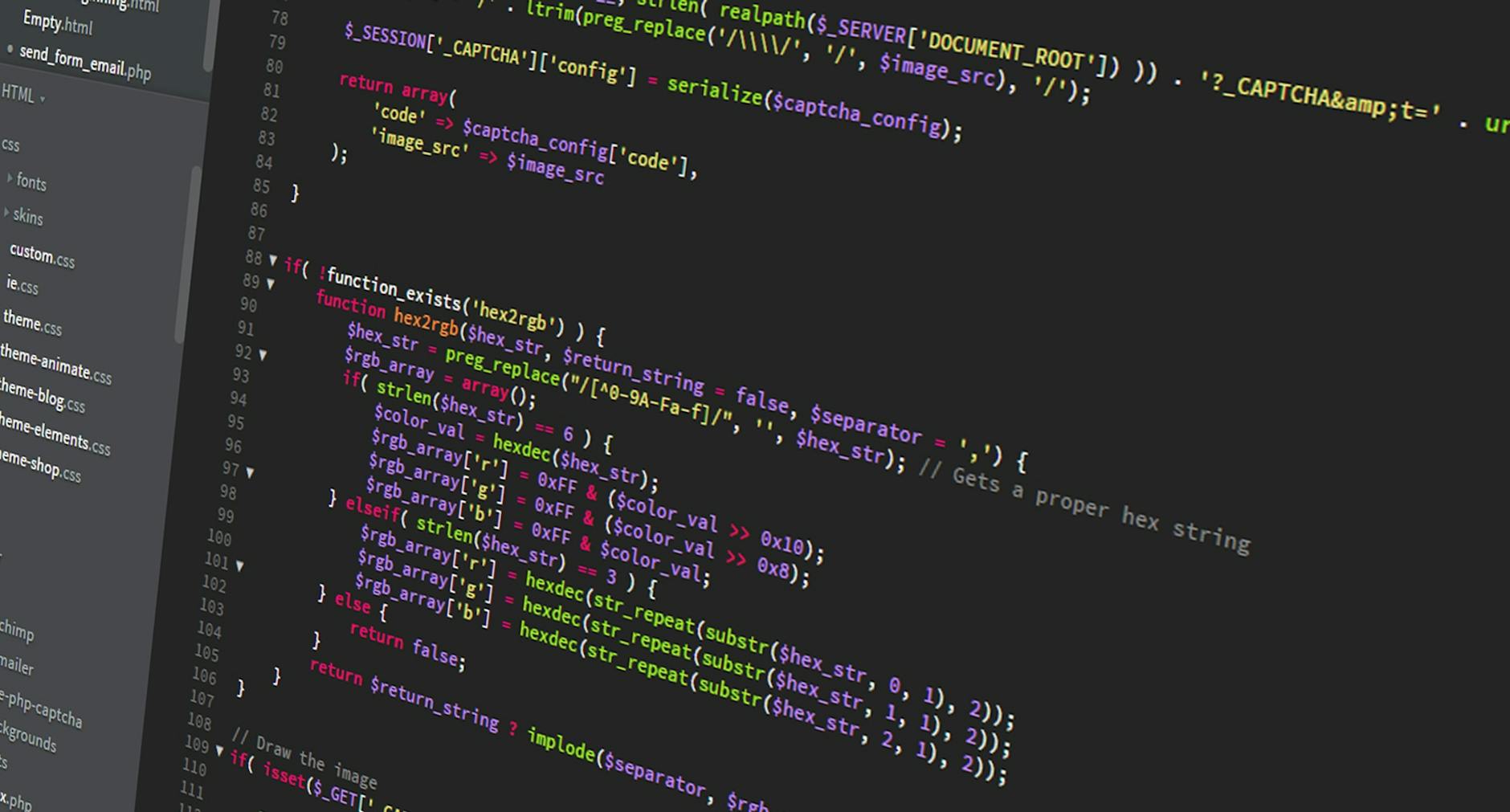
reStructuredText and Markdown syntax side by side in a code editor
reStructuredText, on the other hand, powers the Python ecosystem's documentation infrastructure and brings a level of extensibility and semantic precision that Markdown was never designed to achieve. Projects like the Linux kernel, the Python standard library, and OpenStack all rely on rST for their official documentation.
This comparison breaks down the real differences so you can make an informed choice for your next documentation project.
The most immediate difference between rST and Markdown is how they feel to write. Markdown prioritizes readability of the raw source, while rST prioritizes precision and extensibility.
Basic Formatting
Feature
Markdown
reStructuredText
Bold
**bold**
**bold**
Italic
*italic*
*italic*
Inline code
`code`
code
Headings
# H1, ## H2
Underlines with =, -, ~
Links
[text](url)
`text <url>`_
Images

.. image:: path directive
Blockquotes
> text
Indentation
Lists
- item or 1. item
- item or #. item
Markdown's syntax is more intuitive for anyone who has written plain text emails. The heading syntax with # characters is immediately obvious, and links follow a simple bracket-parenthesis pattern.
rST headings use underline characters, which must be at least as long as the heading text. While this produces visually appealing raw source, it requires more effort to type and adjust when heading text changes.
Advanced Features
This is where the differences become significant. rST includes built-in support for features that Markdown either lacks entirely or requires non-standard extensions to achieve.
| Feature | Markdown | reStructuredText |
| ------------------ | ------------------------------------- | -------------------------------------- | ---- | --------------- |
| Cross-references | Not native (extension-dependent) | Built-in with :ref:, :doc: roles |
| Footnotes | Some flavors support [^1] | Native with .. [1] |
| Admonitions | Extension-dependent (e.g., :::note) | Built-in .. note::, .. warning:: |
| Tables of contents | Not native | Built-in .. toctree:: |
| Substitutions | Not available | .. | name | replace:: text |
| Field lists | Not available | :field: value syntax |
| Custom directives | Limited (plugin-dependent) | Full directive system |
| Semantic roles | Not available | :role:text`` for typed inline markup |
Pro Tip: If your documentation requires extensive cross-referencing between pages, domain-specific markup (like API signatures), or custom directives, reStructuredText gives you these features natively without relying on third-party extensions.
The Markdown Fragmentation Problem
One of Markdown's biggest challenges is fragmentation. John Gruber's original Markdown specification left many edge cases undefined, which led to dozens of incompatible implementations.
Markdown Flavors
CommonMark — A strict, well-defined specification aiming to resolve ambiguities
MyST — Markdown superset designed to be compatible with Sphinx and rST features
Pandoc Markdown — Adds citations, footnotes, definition lists, and much more
MultiMarkdown — Adds metadata, cross-references, and math support
This fragmentation means a Markdown document that renders perfectly on GitHub may not render correctly in a static site generator, a PDF converter, or a wiki platform. If you need to convert your documents between formats, this inconsistency can introduce formatting errors.
reStructuredText does not have this problem. There is one specification, maintained by the Docutils project, and all compliant parsers produce consistent output.
Tooling Ecosystems: Sphinx vs MkDocs
The choice between rST and Markdown often comes down to the documentation tooling you want to use. The two dominant documentation generators represent each format.
Sphinx (reStructuredText-Native)
Sphinx was created for the Python documentation and has grown into the most powerful documentation framework available for technical projects.
Strengths:
Domain-specific markup — Built-in support for documenting Python, C, C++, JavaScript, and other language APIs
Cross-referencing — Automatic linking between pages, sections, classes, functions, and even external projects (via intersphinx)
Extension ecosystem — Hundreds of extensions for diagrams, API autodoc, search, versioning, and more
Multiple output formats — HTML, PDF (via LaTeX), EPUB, man pages, Texinfo
Theming — Professional themes like Read the Docs, Furo, and Book
Steeper learning curve for writers unfamiliar with rST
Build times can be slow for very large documentation sets
Configuration requires Python knowledge
Pro Tip: If you prefer Markdown syntax but want Sphinx's power, look into MyST (Markedly Structured Text). It is a Markdown superset that maps to rST's directive and role system, giving you Sphinx compatibility without writing rST directly.
MkDocs (Markdown-Native)
MkDocs is a static site generator built specifically for project documentation, using Markdown as its source format.
Strengths:
Instant familiarity — Any developer who has written a GitHub README can contribute
Material for MkDocs — The most polished documentation theme available, with search, dark mode, versioning, and social cards
Fast builds — Significantly faster than Sphinx for most projects
Simple configuration — YAML-based mkdocs.yml file
Live reload — Built-in development server with hot reloading
Limitations:
No native cross-referencing between pages (requires plugins)
No built-in API autodoc (plugin-dependent)
PDF output requires plugins and is less refined than Sphinx's LaTeX pipeline
Plugin quality varies
Head-to-Head Comparison
Capability
Sphinx
MkDocs
Native format
reStructuredText
Markdown
Markdown support
Via MyST parser
Native
API autodoc
Built-in (multiple languages)
Plugin (mkdocstrings)
Cross-references
Built-in, typed
Plugin-dependent
PDF output
LaTeX (excellent)
Plugin (variable quality)
EPUB output
Built-in
Not available
Search
Built-in + Algolia
Built-in + plugins
Versioning
sphinx-multiversion
mike
Build speed
Moderate
Fast
Theme ecosystem
Large (200+)
Growing (Material dominates)
Configuration
Python (conf.py)
YAML (mkdocs.yml)
Learning curve
Moderate-High
Low
When to Choose reStructuredText
rST is the right choice when documentation quality and semantic precision are non-negotiable.
Best Fit Scenarios
Large-scale API documentation. If you are documenting a library or framework with hundreds of classes, functions, and modules, Sphinx's autodoc and intersphinx features are unmatched. The ability to auto-generate API references from docstrings and cross-link between them across projects saves enormous effort.
Multi-format publishing. When you need to produce HTML, PDF, and EPUB from the same source, rST with Sphinx gives you the most reliable pipeline. Sphinx's LaTeX output produces professional-quality PDFs, and its EPUB builder creates valid ebooks. If you are working with document publishing, our document converter can also help with format transformations.
Regulated or audited documentation. In industries where documentation must meet compliance standards (medical devices, aerospace, financial services), rST's semantic precision and Sphinx's structured output provide better traceability and consistency.
Python ecosystem projects. If your project is Python-based and you want to integrate with Read the Docs hosting, Sphinx is the standard. Contributors will expect rST-compatible documentation.
When to Choose Markdown
Markdown wins when contributor experience and adoption speed matter more than feature richness.
Best Fit Scenarios
Open-source projects seeking contributors. Every developer knows Markdown. Lowering the barrier to documentation contributions directly impacts documentation quality. If writing docs requires learning a new syntax, fewer people will contribute.
Internal knowledge bases. For team wikis, runbooks, and decision records, Markdown's simplicity keeps the focus on content rather than formatting. Tools like Notion, Obsidian, and Confluence all support Markdown.
Content that will be processed by multiple tools. If your content flows through GitHub, a static site generator, a documentation platform, and possibly a PDF converter, Markdown's ubiquity means better tool compatibility. You can learn more about converting Markdown documents in our Markdown to PDF guide.
Small to medium projects. If your documentation fits within a few dozen pages and does not require complex cross-referencing or API autodoc, Markdown with MkDocs delivers excellent results with minimal setup.
MkDocs Material theme with dark mode toggle and search functionality
The Hybrid Approach: MyST Markdown
The rise of MyST (Markedly Structured Text) represents an increasingly popular middle ground. MyST extends CommonMark Markdown with rST-compatible directives and roles, allowing you to write in Markdown while accessing Sphinx's full feature set.
MyST Syntax Examples
Admonitions in MyST use a fenced directive syntax:
:::{note}
This is a note admonition, equivalent to rST's `.. note::` directive.
:::
Cross-references work with a role syntax embedded in Markdown:
See {ref}`my-section-label` for details.
And directives like toctree work within fenced blocks:
This approach gives teams the best of both worlds: familiar Markdown syntax for most content, with Sphinx's powerful features available when needed. MyST is now officially supported by the Sphinx project and has a growing community.
Converting Between Formats
If you are migrating from one format to another, Pandoc is the essential tool. It can convert between rST and Markdown in both directions:
Keep in mind that conversion is not always lossless. rST features like custom directives, roles, and substitutions have no direct Markdown equivalent, so they may be lost or degraded during conversion. Similarly, MDX-specific features like JSX components will not survive conversion to rST.
For broader document format conversions beyond markup languages, including turning your documentation into PDFs, Word documents, or ebooks, check out our document converter. If your documentation involves academic content with LaTeX, our guide on LaTeX to PDF conversion covers that pipeline in detail.
Feature Richness Deep Dive
Table Support
Markdown tables are simple but limited. The pipe syntax only supports left, center, and right alignment. There is no support for spanning cells, multi-line cells, or header groups.
rST offers two table syntaxes. Grid tables support spanning, multi-line content, and complex layouts. Simple tables use a more readable but less flexible format. Sphinx also adds the csv-table and list-table directives for generating tables from structured data.
Math and Equations
rST with Sphinx supports LaTeX math natively through the math directive and :math: role. Markdown requires extensions (KaTeX, MathJax) and the syntax varies between flavors.
Code Blocks
Both formats handle basic code blocks well. Sphinx adds code-block directives with line numbering, line highlighting, caption support, and the ability to include code from external files with literalinclude. Most Markdown tools support syntax highlighting through fenced code blocks with language identifiers.
Community and Ecosystem Trends
The documentation tooling landscape has shifted significantly in recent years. Here are the key trends:
Markdown adoption continues to grow. New documentation tools (Docusaurus, Nextra, Starlight, VitePress) are all Markdown-first.
MyST is bridging the gap. The MyST project makes Markdown viable for serious technical documentation that previously required rST.
Docs-as-code is mainstream. Both formats benefit from the docs-as-code movement, which treats documentation like source code with version control, CI/CD, and review workflows.
AI writing tools favor Markdown. Most AI writing assistants and content generation tools output Markdown, which affects the authoring workflow.
For teams already working with multiple document formats across their organization, understanding format compatibility is essential. Our guide on batch processing files covers strategies for handling bulk format conversions, and the LaTeX to PDF guide addresses academic documentation workflows.
Making Your Decision
Decision Framework
Ask these questions to determine which format fits your project:
Who writes the documentation? If non-developers contribute, choose Markdown. If the writing team is technical and willing to learn, rST is viable.
How complex is the cross-referencing? If you need typed cross-references across hundreds of pages, rST with Sphinx is significantly better.
Do you need multi-format output? If PDF and EPUB quality matters, Sphinx's LaTeX pipeline produces superior results.
What is your hosting platform? Read the Docs natively supports both Sphinx and MkDocs. GitHub Pages works well with MkDocs, Docusaurus, or any Markdown-based generator.
What is the migration cost? If you have extensive existing documentation in one format, the cost of conversion and the potential for information loss should factor into your decision.
The Practical Answer
For most teams starting fresh in 2026, Markdown with MyST offers the best balance. You get Markdown's accessibility and ecosystem compatibility, with the option to use Sphinx's advanced features when needed. This approach lets contributors write basic content in familiar Markdown while power users can leverage directives and roles for complex documentation needs.
If you are working exclusively in the Python ecosystem and need production-grade API documentation, reStructuredText with Sphinx remains the gold standard. The tooling maturity, autodoc capabilities, and output quality are hard to beat.
And if simplicity and speed are your top priorities, Markdown with MkDocs Material delivers a polished documentation site with minimal configuration and the fastest feedback loop during development.
Whichever format you choose, having reliable tools to convert your documentation into distributable formats is essential. Use our document converter when you need to transform documentation files between formats, or check out the Markdown to PDF guide for detailed conversion workflows.
restructuredtextmarkdowndocumentationsphinxmkdocstechnical writingrst vs markdown
About the Author
Alex Thompson
Software engineer and content creator focused on web technologies, image optimization, and developer tooling.